
Back Link Checker Options: Free to Paid, Then Action
By LincSpider Team · 2026-07-24 · 12 min
People search back link checker (two words) and backlink checker (one word) for the same job: paste a domain, see who links to it. The SERP is crowded with free forms, Semrush and Ahrefs brand pages, Moz leftovers, and Chrome add-ons that highlight a link or two while you browse.
This is an honest options map — Google Search Console, Bing Webmaster Tools, Ahrefs, Semrush (yes, the backlink checker semrush adjacency is real), Moz, and lighter helpers — then what to do after the report. Spoiler: LincSpider is not a backlink checker. It’s the action layer for comment pages, contextual drafts, form prefill, and outreach email when you’re ready to touch a human page. We never auto-post.
Related reading: From Free Backlink Audit to Outreach Targets, Backlink Analysis Tools Compared, Affordable Link Building Tools.
What a Back Link Checker Actually Does
A back link checker answers: “Show me referring pages/domains for this host.” Depth varies wildly.
| Checker class | Typical depth | Best use |
|---|---|---|
| Webmaster consoles (GSC, Bing) | Sample of your site / research features | Free inventory & seeds |
| Free public checkers | Partial crawl snapshot | Quick second opinion |
| Suite checkers (Ahrefs, Semrush, Moz) | Large indexes + filters | Serious research |
| On-page extensions | Current page / broken links | Tactical while browsing |
On r/SEO:
No tool can build link for you. Even if it does, it would be a spam with no SEO value.
A checker that promises “links while you sleep” has stopped being a checker.
The process matters more than the tool.
Pick a checker that feeds a process you already understand.
Free Options: GSC, Bing, and Free Tiers
Google Search Console
If the domain is yours, start here. The Links report is the most trustworthy free backlink checker for your own property — with the caveat that it’s a sample Google chooses to show. Export top linking sites, spot-check live URLs, ignore vanity about “complete coverage.”
Bing Webmaster Tools
For many small teams, Bing is the free research unlock:
Go to Bing Webmaster Tools… Add a competitor domain. You'll see referring domains
(thread)
That’s not Semrush-complete. It’s often enough to seed a month of vetted outreach if you filter hard.
Ahrefs free checker + Keyword Difficulty (starter pair)
If you have zero budget today, Ahrefs’ public Backlink Checker and Keyword Difficulty pages are enough to start: paste a competitor, skim the Top-N referring sample, then check whether the keywords you want are fightable. The sample is not the graph — it’s a quick read on channel mix (directories, forums, editorial). When you need full active exports, historical filters, or gap reports at scale, that’s the paid upgrade line, not another free form.
On r/seogrowth:
As a first step I would run a competitor backlink gap analysis using semrush or ahrefs
That advice assumes suite depth eventually. The free pair is the on-ramp: learn what “checking” feels like before the subscription pays for itself.
Free checker forms on the open web
Fine for curiosity. Weak as a sole source of truth. Cross-check anything that looks too good or too scary. Cap decisions until you’ve opened the page yourself.
“Check my links” style extensions
Starter advice on r/SEO still mentions broken-link helpers. They’re a tactic (find a broken resource, email the owner), not a profile-wide back link checker. Keep them in the toolkit; don’t confuse them with suite indexes.
New-site patience still matters (r/SEO):
Avoid buying links or spammy tactics… create, share, build relationships. Slow but solid.
Empty checker results are not a cue to buy junk.
Free-tier honesty checklist
Before you trust any free back link checker enough to change strategy:
- Does it show linking URLs or only domain names?
- Can you click through to the live page in one step?
- Is the sample capped (top 100, last 30 days, etc.)?
- Does the UI push a paid upgrade before you can export?
- Does it blur “checked” with “safe to disavow / blast”?
If (5) is yes, treat the product as marketing first. Checking is a read operation. Strategy is a separate write operation you own.
A practical free week: Monday GSC skim, Tuesday Bing competitor seed, Wednesday filter ten blogs, Thursday two comments + one email, Friday log what got approved. That’s more SEO than five free checker PDFs with no follow-through.
Semrush and Ahrefs Checkers — Honest Brand-Adjacent Notes
People searching backlink checker semrush (or Ahrefs) usually want a serious index with filters, not a motivational PDF. Fair.
On r/seogrowth:
As a first step I would run a competitor backlink gap analysis using semrush or ahrefs
That’s the job these products are good at: large referring-domain graphs, competitor contrast, and exports you can actually work. Ahrefs documents how to pull competitor backlinks; their audit guide covers quality review. Semrush users on r/bigseo describe prospect tools plus manual import into trackers — suite for checking/prospecting, humans for shipping.
We’re not pretending LincSpider “beats” Semrush or Ahrefs at checking. Different products. If you already pay for a suite checker, keep it. Add an execution layer instead of a second crawl database.
HN threads about exporting Semrush competitor backlinks into browser helpers make the same split: check/analyze in the suite, act in the browser with control.
Moz and Other Partial Checkers
Moz Link Explorer–style tools (and similar partial free tiers) still show up in SERPs for back link checker queries. They’re useful when you need another branded metric set or a limited free lookup. Expect caps, sampling, and less “universe” than the largest suite crawls.
Use Moz-class checkers the same way you’d use any mid-depth tool: confirm a hypothesis, don’t declare absolute truth. Moz’s comment marketing guidance is still more useful for what to do on a page than any Domain Authority number alone.
SEJ remains a useful cold shower if someone sold you a checker as a ranking machine for comment links. Google’s ugc docs set the technical expectation for user-generated links.
After You Check: The Action Layer
A checker’s job ends when you have URLs. Yours begins when you open them.
On r/SEO:
Manual outreach takes long, not scalable — search blogs in your niche, find the email.
Checkers don’t remove that sentence. They shrink which domains you bother opening.
Workflow that stays honest:
- Export from GSC / Bing / Semrush / Ahrefs / Moz
- Filter for blogs and contactable pages
- Vet live (spam density, recency, niche fit)
- Comment contextually or email — personalized (r/SEO)
- Log results
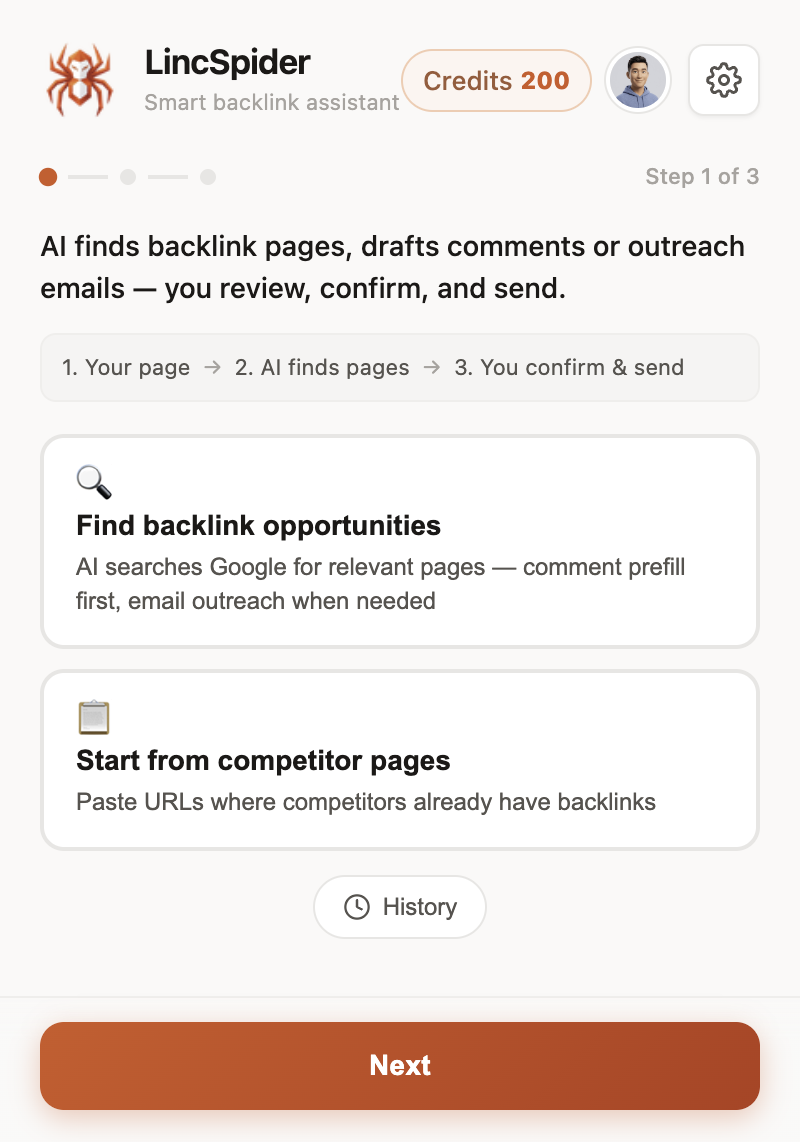
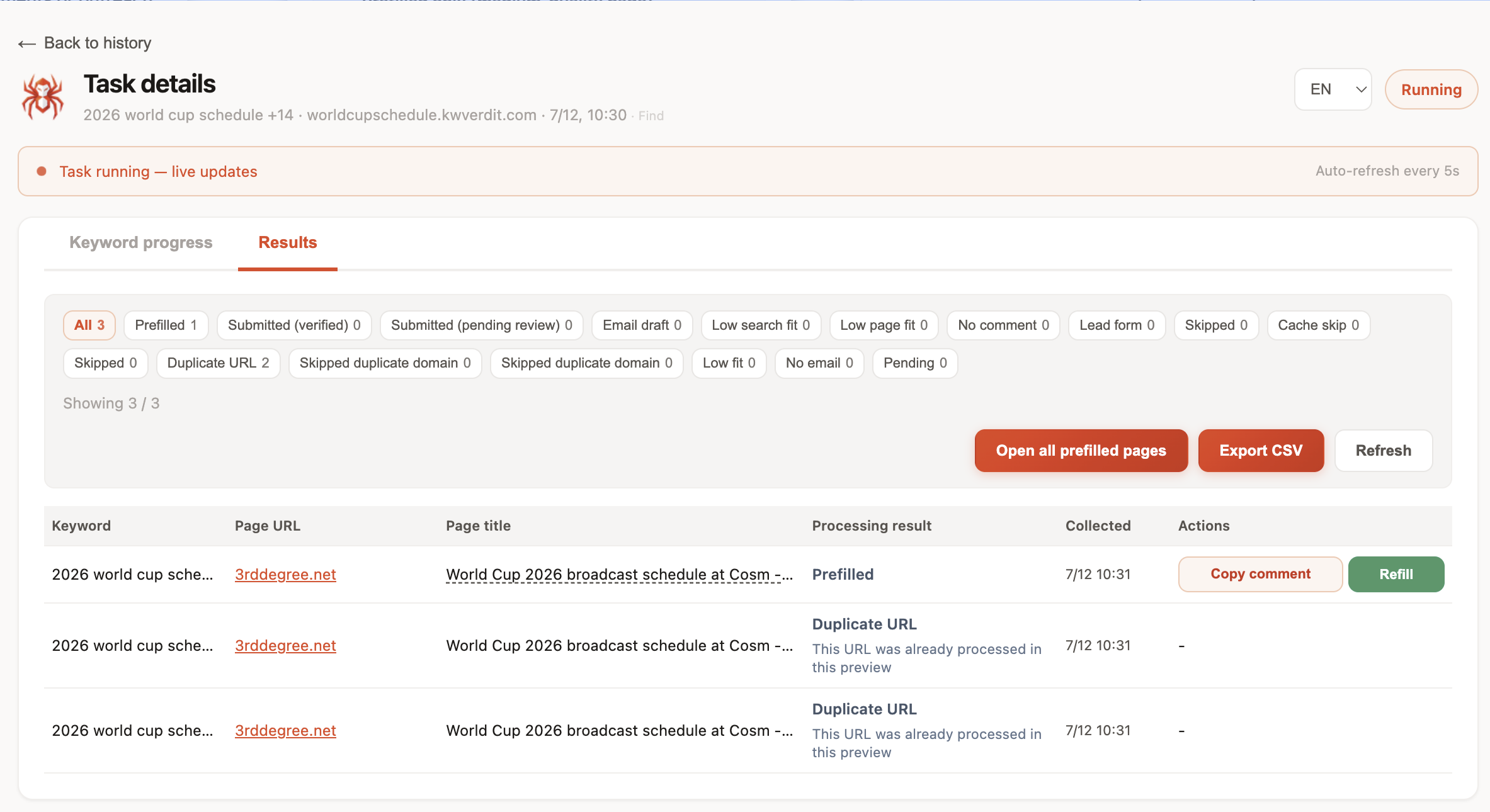
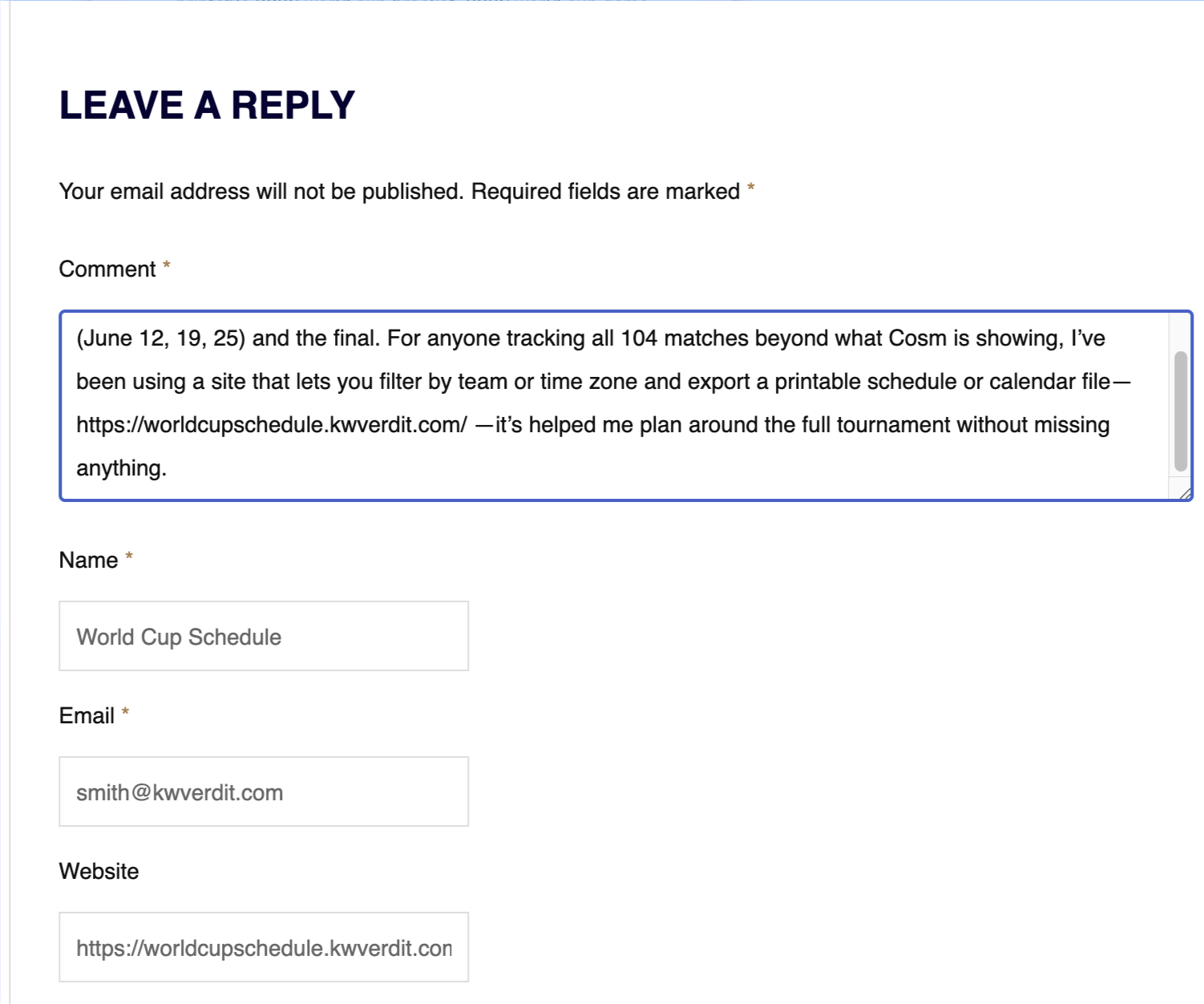
LincSpider sits in steps 3–4 inside Chrome: find comment-capable pages, draft, prefill, draft outreach email when there’s no box. You click submit. Never auto-posts. r/chrome_extensions users keep asking for workflow help in-browser — that’s the lane, not “another Semrush.”
Indie Hackers still pushes warm-up before cold pitch. WebmasterWorld prefers friendly email over spam comments. Warrior Forum treated commenting as reputation work years ago. None of that is a checker feature.
Pricing if you’re evaluating the Chrome layer: /en/pricing.
Checker → action mini-example
You run a Semrush or Ahrefs checker on Competitor B. Export 220 referring pages. After URL filters you keep 28 blogs. After live vets you keep 9. Five have open forms; four become email. You don’t need 220 “checks” on your calendar. You need nine honest touches. The checker earned its fee by making that shortlist possible — not by emailing anyone for you.
Where people mix up checker jobs
| They say | They often mean | Better next step |
|---|---|---|
| “Run a backlink checker” | See who links to us | GSC first |
| “Check competitor backlinks” | Find outreach seeds | Bing or suite export → filter |
| “Check if links are toxic” | Risk review | Careful audit, not free red badges |
| “Find a Semrush alternative checker” | Cost pressure | Free seeds + one suite you already use; don’t fake parity |
Brand-adjacent searches around Semrush and Ahrefs are legitimate: those products are strong checkers. The mistake is assuming every adjacent SERP result is also a checker — or that an outreach Chrome extension should pretend to be one. We won’t. If you need checking depth, use a checker. If you need execution speed on pages you’ve already chosen, use an execution tool.
Digital Point still draws a hard line between meaningful comments and spam pits. No export column replaces that line.
Picking a Checker for Your Stage
| Stage | Start with | Add later |
|---|---|---|
| Brand-new site | GSC + patience + opportunity finding | Suite when competitor blindness hurts |
| Solo, small budget | GSC + Bing WMT + sheet | One suite if weekly gap work |
| Already on Semrush/Ahrefs | Their checker/backlink modules | Chrome execution, not a second index |
| Agency / multi-site | Suite workspaces | Shared sheets + human QA |
HN’s snake-oil skepticism still applies: if the pitch conflates checking with unsupervised link building, leave.
If your bottleneck is commenting and forms, don’t buy another back link checker. Buy time back in the browser. If your bottleneck is “I can’t see who links to competitors,” a suite checker is the right spend — we won’t pretend otherwise.
Also worth saying out loud: checker quality and outreach quality are weakly correlated. A perfect Semrush export plus a spammy comment still fails. A smaller Bing seed list plus three careful notes can outperform. Tools change the size of the haystack; they don’t write the needle.
FAQ
What is a back link checker?
A tool that shows referring domains or pages for a URL/domain. Same idea as a backlink checker — spelling varies in search.
Is Google Search Console enough as a free checker?
For your own site’s starting inventory, yes. For competitor graphs and deep history, no.
How does a Semrush backlink checker compare to Ahrefs?
Both are serious suite-class checkers with large indexes and filters. Pick based on the suite you already use for SEO work; don’t pay twice for the same job. Neither replaces human outreach.
Is LincSpider a backlink checker?
No. LincSpider helps you find comment opportunities, draft contextual comments, prefill forms, and prepare outreach email — with you confirming every submit.
Can Bing Webmaster Tools check competitor backlinks?
It can surface referring-domain research useful for seeding. Coverage differs from the biggest commercial crawls.
What should I do after running a checker report?
Filter, vet live pages, then comment or email a short list. Don’t treat the export as a blast list.
Do free checkers show toxic links accurately?
Treat free “toxic” scores as hints. Verify before disavow or panic. Prefer careful review over automation.
Wrapping up
A back link checker is a flashlight, not a construction crew. Use GSC and Bing when free seeds are enough; use Semrush or Ahrefs when you need suite-grade checking; use Moz and free forms as secondary opinions. Then move to action — human comments and email — with a Chrome workflow that never auto-posts. Start at /en/download, see /en/pricing, and keep checkers in their lane: they show links; you earn the next ones. If you remember only one line: check first, then act — and never confuse the two products.