
 Link building Chrome extension
AI Backlink Outreach in Your Browser — Find Pages, Draft Comments, Send Outreach
Discover backlink opportunities on Google, prefill blog comment forms when they exist, or find contacts and draft outreach emails — you confirm every comment and email before sending.
Preview up to 3 drafts without signing in · 300 credits on Google sign-in · Pay per AI step, no page caps
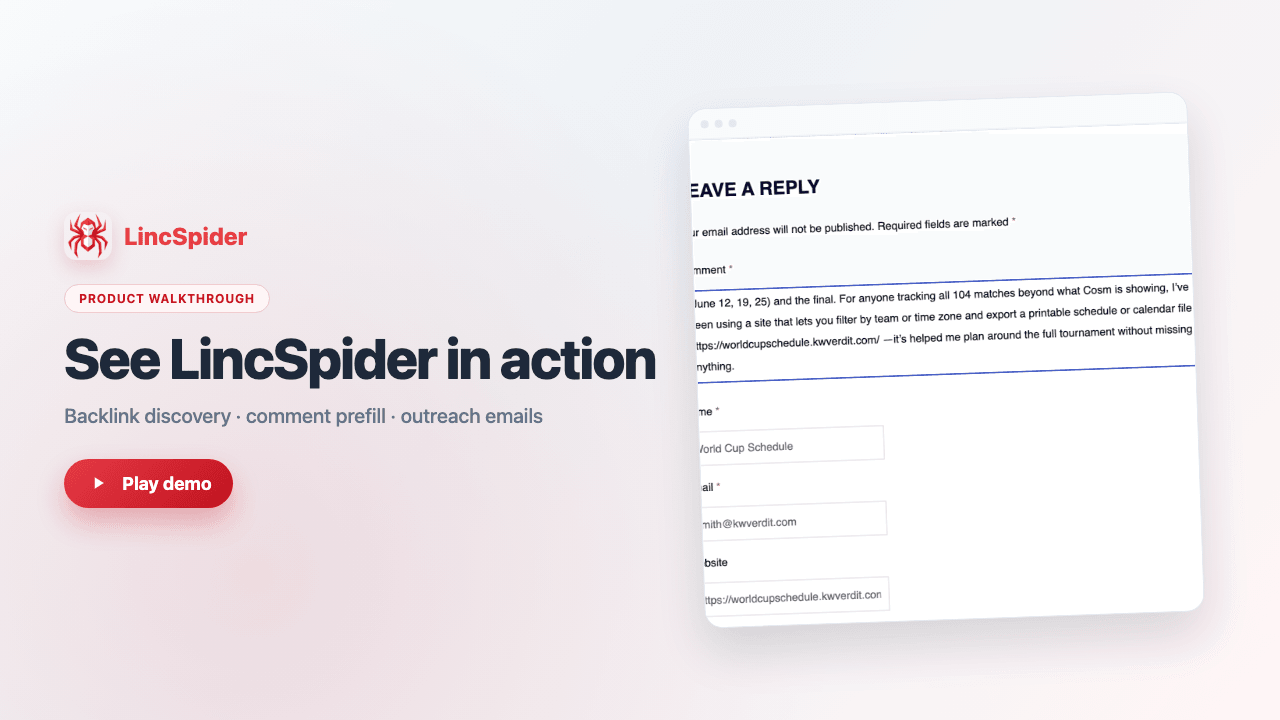
About one minute — discovery, drafts, prefill, and outreach emails.
A link building tool built for real outreach workflows
LincSpider is a Chrome extension for backlink outreach: it finds pages on Google, drafts contextual comments, prefills blog comment forms, and prepares outreach emails when there is no comment box. It is not generic AI copy — you approve every comment and email before sending. Start from your promotion URL or paste competitor backlink pages to scale link building without spammy automation.
By LincSpider Team · Updated July 23, 2026
Common backlink outreach scenarios
Why backlink outreach still matters
Backlinks remain a measurable ranking signal — and most pages still have none. LincSpider helps you find reachable pages and draft outreach you control.
In a study of 11.8 million Google results, the #1 result had about 3.8× more backlinks than positions #2–#10, and roughly 95% of pages had zero backlinks. Backlinko × Ahrefs ranking study
Across about one million high-volume SERPs, referring domains and backlinks still showed a positive correlation with higher Google rankings. Ahrefs SERP correlation analysis
LincSpider product facts: preview up to 3 drafts without signing in; 300 welcome credits on Google sign-in; analysis steps cost about 10 credits and generation about 50 — pay per AI step with no hard page caps by plan.
Why this backlink outreach tool?
Backlinks still correlate with higher rankings — when you find the right pages and reach site owners with contextual comments or outreach emails.
Discover
Start from your promotion URL. AI expands keywords and searches Google for relevant backlink pages.
Two paths
Prefill comments when a form exists. No comment box? Find site contacts and draft outreach emails.
Draft
Generate comment or email drafts you confirm before submitting comments or sending emails.
The problem with manual link building
Manual link building stalls because prospecting and writing do not scale together.
Slow prospecting
Finding pages with open comment forms takes far longer than writing the comment itself.
Unnatural comments
Generic pitches get ignored or removed. Each page needs context-aware copy.
Dead ends
Many targets have no comment box — LincSpider finds contacts and drafts outreach emails you confirm and send.
No visibility
Spreadsheets cannot show which pages were prefilled, got email drafts, or were skipped mid-run.
Link building features in Chrome
Find backlink pages on Google, draft contextual comments, prefill forms, and send outreach emails — without leaving your browser workflow.
Find backlink pages on Google
Enter a promotion page URL. LincSpider mines keywords, searches Google, and queues comment or outreach email opportunities.
Competitor backlink outreach
Paste competitor backlink URLs. Prefill blog comment forms when possible; otherwise find contacts and draft outreach emails.
Guest preview
Try 3 free drafts before sign-in. See how AI writes comments or emails for real pages — preview only.
Task dashboard
Pause, resume, and inspect stats. History, CSV export, bulk open prefilled tabs, and tweet suggestions.
Analysis steps: 10 credits · Generation steps: 50 credits
Manual vs LincSpider
Same goal — less busywork, more qualified opportunities.
| Task | Manual | LincSpider |
|---|---|---|
| Finding comment pages | Manual Google search | Auto search from your URL |
| Comment or email path | Gut feel | Comment prefill + outreach email |
| Contextual drafts | Write each comment yourself | AI drafts you review |
| Browser prefill | Copy-paste by hand | Prefill comment forms in Chrome |
| Progress tracking | Spreadsheets | Live task dashboard |
| Pay-as-you-go AI | Your time | Credit-based usage |
What you'll achieve
More qualified placements, shorter prep per task, and resumable campaigns — without auto-posting.
More qualified comment placements
Spend time on pages worth contacting instead of chasing every search result.
Shorter prep per task
One task session replaces hours of tab-hopping and note-taking.
Resumable link building at scale
Pause when credits run low, upgrade, and resume from the same checkpoint.
Perfect for
Teams and solo operators who need comment backlinks without spammy automation.
Indie SaaS founders
When you cannot hire a link-building team, enter a landing page and let AI discover comment-ready or outreach-ready pages on Google — both paths feed one task queue.
SEO specialists
Filter search noise and focus on relevant pages with comment forms or findable contacts. Comment backlinks and email outreach run in the same workflow.
Content marketers
Engage mode drafts comments that read like genuine participation. Tune tone before posting — from balanced engagement to a light product mention, without pasted pitches.
BD and cold email
When a target site has no comment box, LincSpider switches to contextual outreach email drafts. Competitor page mode covers comment prefills and email fallbacks in one task.
How it works
Four steps from install to placed comments.
Install extension
Load the Chrome extension and open the popup from your toolbar.
Set up your page
Add your name, email, and promotion page URL — or paste competitor backlink URLs.
Search and draft
AI searches Google and drafts comments for each page; when no form exists, it finds contacts and drafts outreach emails.
Confirm and send
You approve every draft. LincSpider prefills comment forms or opens email drafts for you to confirm and send.
How to use each step
Switch tabs to follow the workflow in Chrome — click any screenshot to view it full size.
Find backlink pages — with or without a starting URL
Open LincSpider in Chrome. Choose AI discovery to search Google, or paste competitor backlink URLs. Fill in your details and tap Next.
Your link-building strategy stays private
Target pages, competitor lists, and outreach URLs often reveal your business direction — we built LincSpider to serve your tasks, not to snoop on your campaigns.
Processed only when you start a task
No everyday browsing surveillance. The extension reads pages only during tasks or guest previews you run — to draft copy and prefill forms.
No selling data or cross-user analytics
Your URLs and outreach settings exist to complete your work. We do not use them for ad targeting, pooled analytics, or resale to third parties.
No tracking SDKs in the extension
The Chrome extension does not include GA, Clarity, or similar analytics SDKs. AI inference content is deleted after tasks complete; billing metadata is described in our privacy policy.
Frequently asked questions
Ready to build links smarter?
Install LincSpider, preview 3 drafts for free, and scale link building when you are ready.
300 credits on sign-in · Pay per AI step · No per-plan page caps
