
Download LincSpider
LincSpider is a free Chrome extension for backlink outreach: install from the Chrome Web Store, then find pages, draft comments, and prefill forms you approve.
Current version: 5.5.47
By LincSpider Team · Updated July 23, 2026
LincSpider is distributed through the Chrome Web Store. Click below to add it to Chrome.
Add to Chrome — v5.5.47Watch the product demo
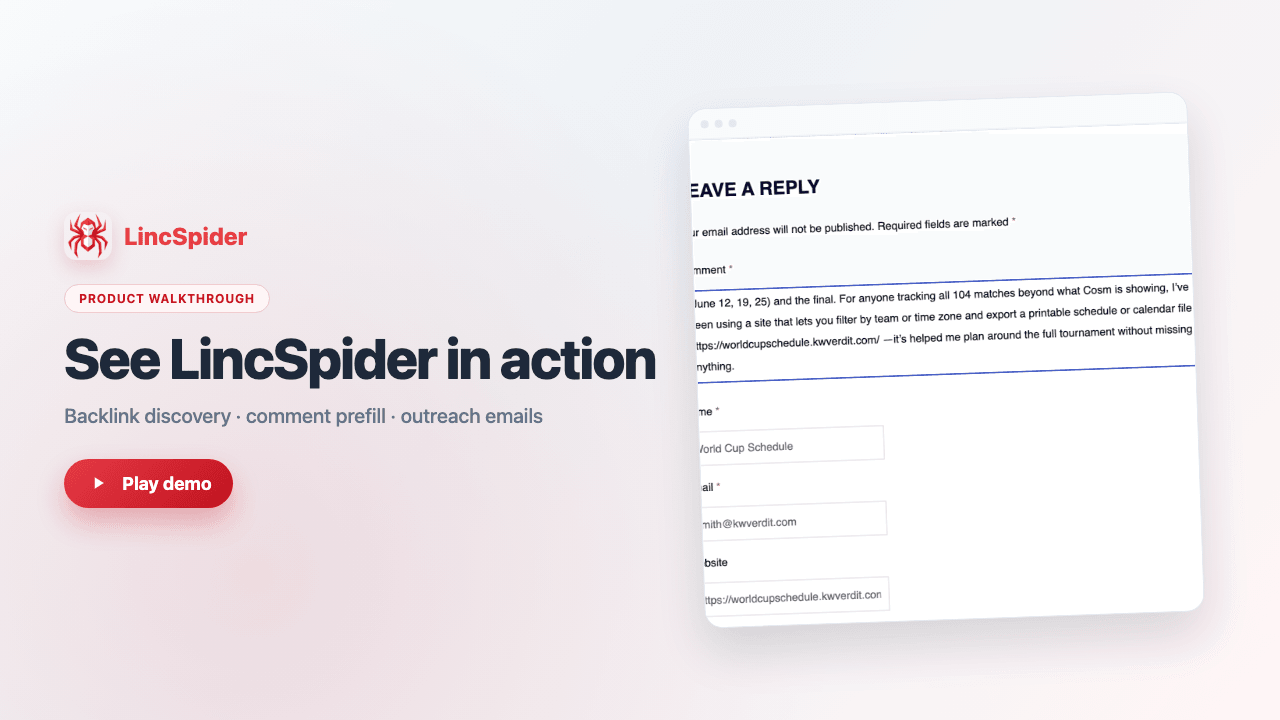
See how LincSpider finds pages, drafts comments, and prefills forms — in about one minute.
Install from Chrome Web Store
- Open the Chrome Web Store listing and click Add to Chrome.
- Confirm the install prompt and wait for the toolbar icon to appear.
- Pin the LincSpider icon for quick access from the extensions menu.
- Open the popup and sign in with Google to sync credits.